A superintendent is waiting on a revised detail. A foreman has a safety question. A new electrician needs a start time before 6 a.m. When those messages live in scattered texts, paper notes, and unanswered emails, a small communication gap can turn into lost labor hours, rework, or a missed inspection.
The best construction communication tools bring the office, jobsite, and hiring pipeline into clearer view. The right choice depends on your project type, crew size, and how much documentation you need. A residential contractor may need fast photo updates and scheduling, while a commercial GC may need formal RFIs, drawing control, and a permanent decision trail.
What separates a useful tool from another app
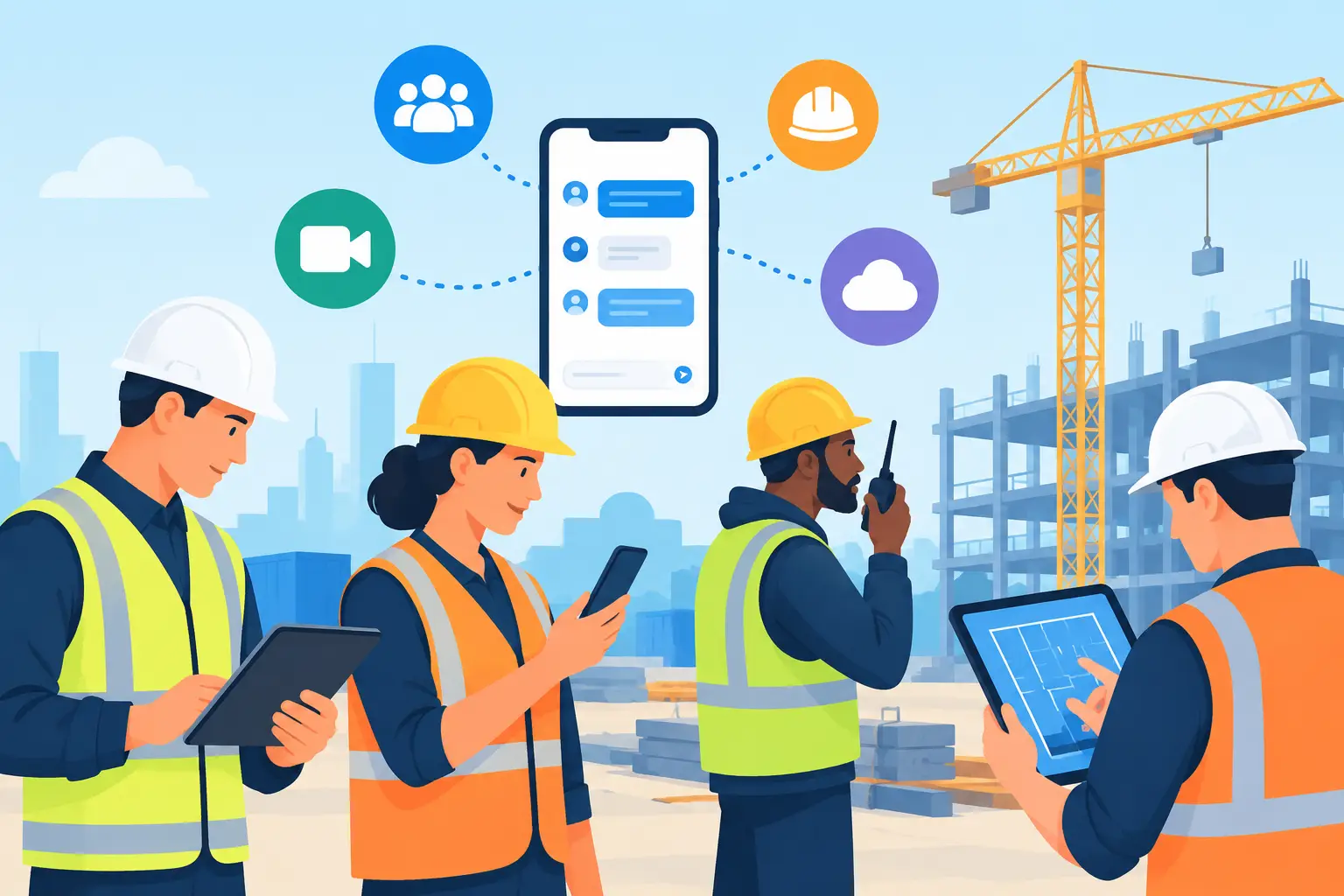
Construction teams do not need more notifications. They need the right person to see the right information before work is affected. That means a useful communication platform has to work on a phone, handle photos and drawings without friction, and make accountability visible.
Look closely at adoption before committing. If field crews find the system slow, confusing, or impossible to use with gloves on, important updates will return to text messages. Also consider whether the tool creates a searchable record. A verbal direction may keep work moving for an hour, but a documented change can protect the project when questions surface weeks later.
The strongest setups usually combine a project-management platform for formal documentation with a field-friendly tool for daily reporting and crew updates. Here are 10 options worth evaluating.
10 best construction communication tools to evaluate
1. Procore
Procore is a leading choice for commercial contractors that need communication tied directly to project controls. Teams can manage RFIs, submittals, drawings, observations, schedules, photos, and daily logs in one project environment. Its biggest advantage is traceability: a question, response, and revised document can remain connected instead of disappearing into an email chain.
It is best suited to companies with multiple stakeholders and repeatable project processes. Smaller firms may find its depth more than they need, and successful rollout requires consistent training across the office and field.
2. Autodesk Construction Cloud
Autodesk Construction Cloud works well for teams already using Autodesk design tools or managing complex coordination workflows. It gives project teams a central place to review models, drawings, issues, and documents while keeping version control tight.
For design-build, commercial, and infrastructure work, that connection between model coordination and field issues is valuable. The trade-off is that it can feel technical for crews that only need quick task updates. Set clear workflows so field users are not asked to navigate more information than their role requires.
3. Fieldwire
Fieldwire is built around task management in the field. Supervisors can assign work by location, attach plans and photos, track progress, and document punch-list items from a mobile device. That makes it especially effective for foremen and subcontractors who need to turn a plan sheet into clear daily assignments.
Its practical, field-first experience is the draw. It may not replace a full project-management system for major documentation requirements, but it can improve follow-through where crews need it most: at the point of work.
4. Raken
Raken focuses on daily reporting, time tracking, safety, and production communication. It gives foremen a simpler way to submit reports, document manpower, capture photos, and record what happened on site without spending the evening writing emails.
This is a strong fit for contractors looking to standardize daily logs across several jobs. The value comes from consistency. If reports are completed late or with vague notes, the platform cannot produce reliable visibility for operations leaders.
5. Bluebeam Revu
Bluebeam Revu remains a practical communication tool for teams that mark up plans, measure quantities, and review documents together. Its Studio sessions allow multiple users to comment on the same files, which can reduce the back-and-forth around drawing questions and scope reviews.
It is particularly useful for estimators, project engineers, architects, and trade contractors that spend serious time in PDFs. Bluebeam is less of a crew messaging solution, so pair it with a field platform when workers need mobile assignments and real-time updates.
6. Buildertrend
Buildertrend is a strong option for residential builders and remodelers. It combines client communication, scheduling, selections, change orders, and project updates in a format that supports the homeowner experience as well as internal coordination.
For a custom home builder, fast client approvals can matter as much as crew communication. The platform helps organize those exchanges. Commercial contractors with heavier RFI, drawing, and subcontractor workflows may need a system designed more specifically for that environment.
7. Smartsheet
Smartsheet gives operations teams a flexible way to manage schedules, trackers, approvals, and repeatable workflows. It is not construction-specific, but that flexibility can be useful for equipment tracking, procurement logs, workforce planning, and executive reporting.
The downside is that flexibility requires ownership. Someone needs to build and maintain the templates, permissions, and automation. Without a clear process, a Smartsheet can become another spreadsheet with more notifications.
8. Microsoft Teams
Microsoft Teams is a practical choice for office-to-field communication when a company already uses Microsoft 365. It supports chat, calls, file sharing, and channel-based conversations for projects, departments, or specific workstreams.
Teams works best as a communication layer rather than the permanent source of truth for project decisions. Use it for quick coordination, then document formal instructions, approvals, and changes in your project-management system. That distinction prevents important decisions from getting buried in chat.
9. Connecteam
Connecteam is designed for deskless workforces and can support crew announcements, shift scheduling, time tracking, checklists, and employee updates. For trade businesses with crews moving between service calls or smaller job sites, it provides a straightforward way to keep communication consistent.
It is especially useful when the challenge is workforce coordination rather than complex drawing management. A specialty contractor can use it to confirm shifts, send safety reminders, and distribute company updates without relying entirely on personal text threads.
10. go2work
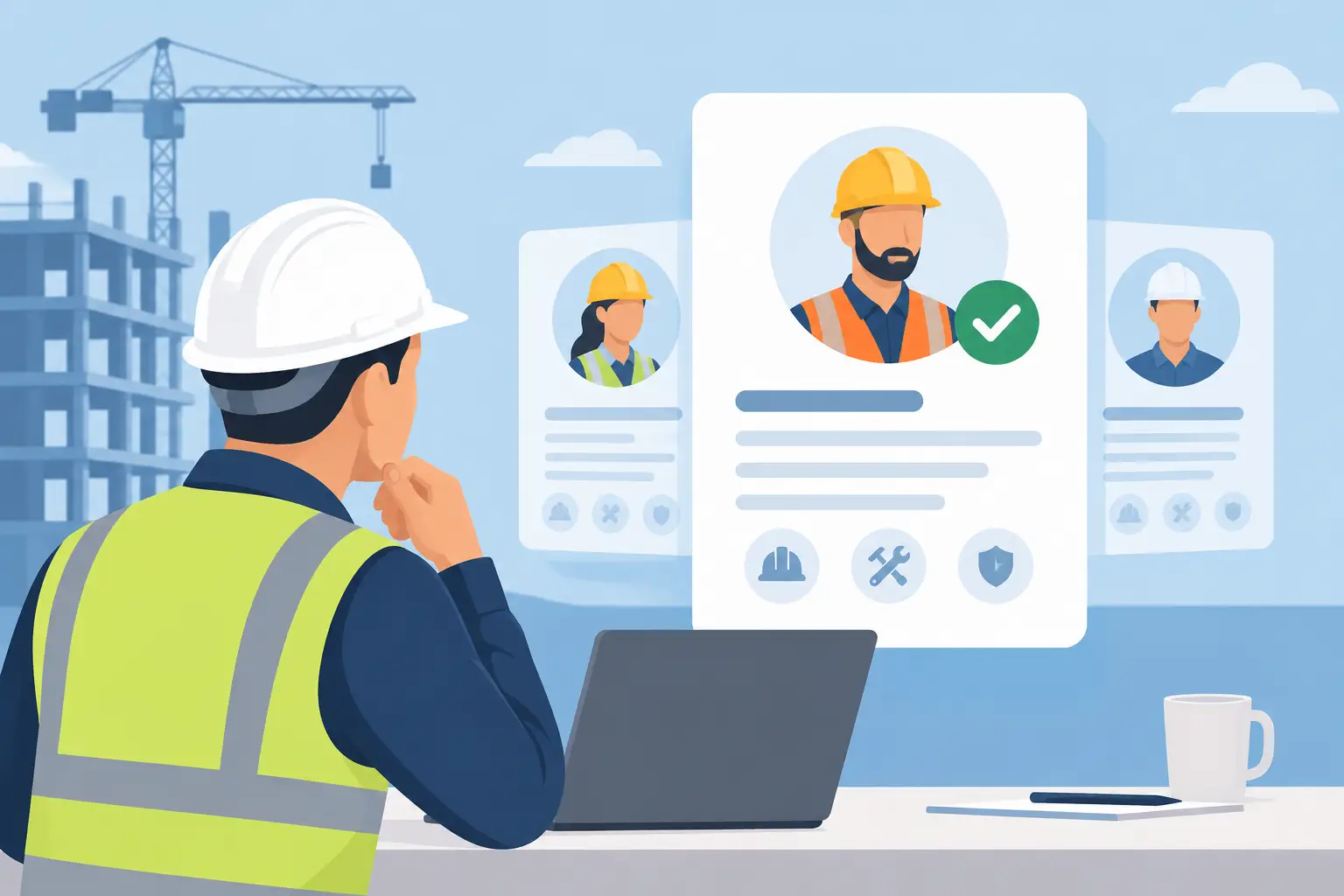
Communication problems often begin before a worker reaches the jobsite. go2work helps construction employers connect with verified tradespeople through job postings, AI-powered matching, portfolio-based profiles, and direct messaging. For employers, that means fewer disconnected calls and less uncertainty around experience, licenses, and availability. For electricians, plumbers, carpenters, welders, HVAC technicians, and other skilled workers, it creates a professional channel to discuss real opportunities and show proof of completed work.
It is not a replacement for a field reporting platform. It solves a different but costly communication gap: getting qualified people into the hiring conversation quickly and with more trust.
How to choose the right stack for your company
Start with the breakdown you are trying to fix. If revised plans are reaching the field late, prioritize drawing control and issue tracking. If foremen are spending too much time on paperwork, prioritize mobile daily reports. If clients create delays through informal approvals, choose a platform that organizes selections, changes, and documented decisions.
Then test the workflow with the people who will use it every day. Ask a superintendent to assign a task, a foreman to upload a photo, and a project manager to find the latest approved drawing. If those actions take too many steps, adoption will suffer regardless of the software's feature list.
Avoid buying overlapping tools without defining what each one owns. For example, Teams can handle quick questions, Procore can hold formal project records, and a hiring platform can manage candidate outreach. Everyone should know where to look for the final answer. That simple rule protects crews from working from outdated information.
Build communication around the work, not the software
The best tool is the one your crews will actually use when the day gets busy. Introduce it with a specific operating rule: all drawing revisions go here, all daily reports are submitted by this time, or all hiring conversations start in this channel. Train to that rule, measure adoption, and improve the workflow based on what happens in the field.
Clear communication will not eliminate every jobsite surprise. It will make sure the right people can respond before a surprise becomes a delay.